


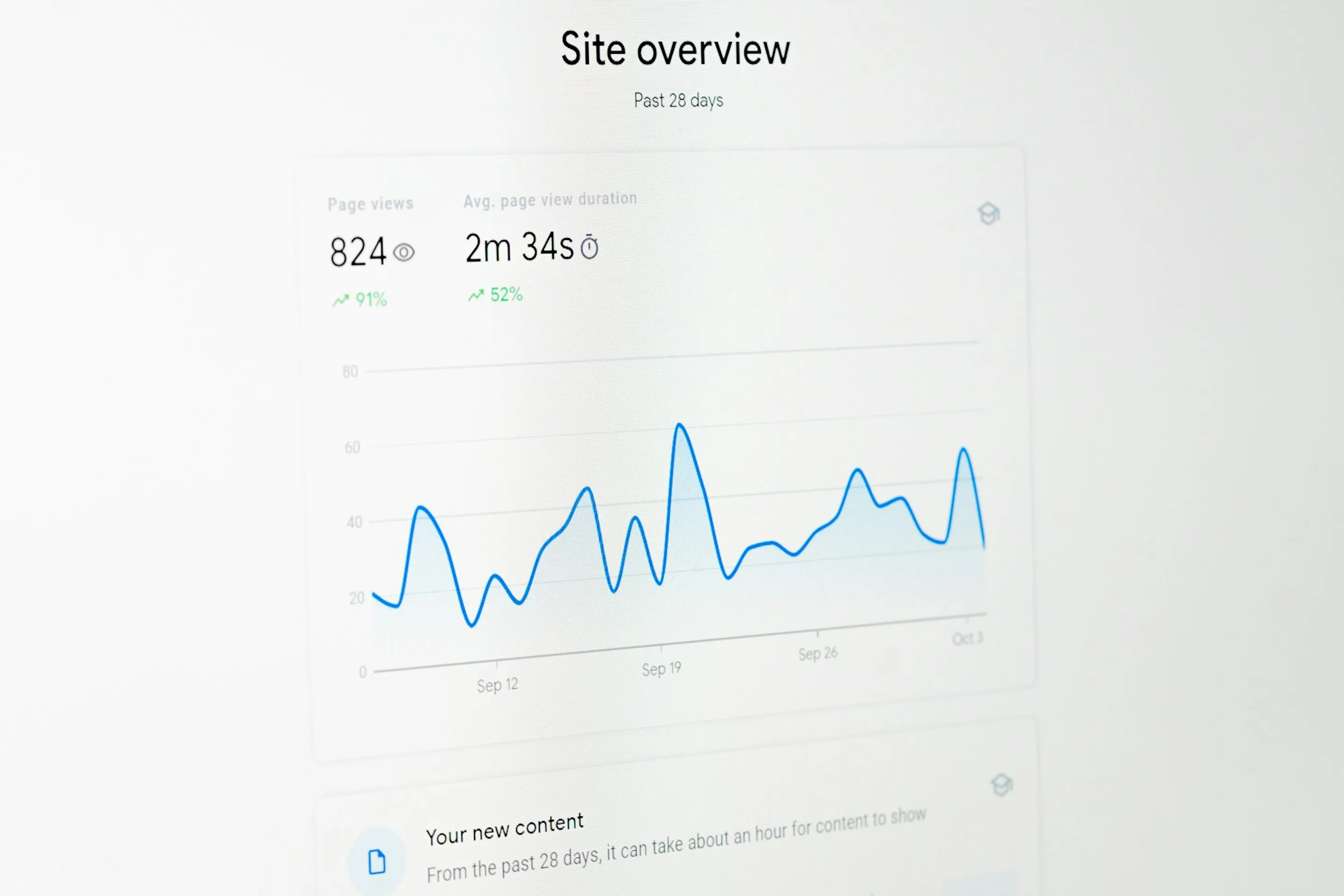
As your application gains traction, its success depends on the ability to deliver a consistent, high-quality user experience, even under heavy load. Failures to scale effectively can lead to performance degradation, service outages, and a loss of user trust. This guide provides a systematic framework for ensuring your application is resilient, performant, and ready to handle growth.
Analysing Application Resource Requirements
Effective scalability begins with a data-driven understanding of your application's operational needs. Accurately forecasting resource requirements is essential for preventing both over-provisioning, which incurs unnecessary costs, and under-provisioning, which risks system failure.
Performance Profiling
Always start with your profiling tool of choice (e.g. JProfiler for Java, Python's cProfile, Go's pprof) to better understand your application's behaviour, identify computational bottlenecks and memory-intensive operations within your codebase. Maybe you have file manipulations happening as part of a user submission flow, or a long running query takes time to complete.
Profiling helps you identify where you should direct your optimisation efforts. From resolving thread races, to improving queries in the database, or re-engineering a complex file processing operation. It all comes down, to improve performance of the app, and get a better understanding of how you app is using resources and how much it actually needs to operate.
Once you've went through setting up one of the performance profiling tools, you should start up your application and go through all user flows. Download - upload files, trigger heavy processing operations, submit forms etc. This will give you insights on how expensive your operations are in terms of resources, or will help you identify for potential memory leaks. If memory is allocated and not released you will notice the more you perform operations on your application.

Load Testing
By using tools like Apache JMeter, k6, Gatling or Flexbench to simulate user traffic and establish performance baselines. By methodically increasing the load, you can determine key thresholds, such as the maximum requests per second (RPS) a single instance can handle, and identify the system's breaking point. It also allows you to better understand how you app operates both under stress and in normal mode.
Most of these tools also have a recording mechanism which allows you to record your actions from a browser and proxy them in the tool. This will create a replay-able scenario which you can customise even further through coding or replay as is, as much as you like.

Dependency Analysis
Mapping and evaluate the performance characteristics of all external dependencies, including databases, caches, and third-party APIs is also important, and it starts way before you go live. The performance of your application is often constrained by its slowest dependency, depending on this dependency's role in your flows. Attempting an under 250ms is almost impossible if your dependencies are slow and unreliable.
A more or less, similar rule applies when it comes to service level agreements (SLAs) or service level objectives (SLOs) offered with many dependencies in mind. As outlined in many blog posts online including this post from AWS, your offered availability is directly impacted and relevant from your external dependencies and their own offered availability.

Monitoring Core Traffic and Performance Metrics
Continuous monitoring is fundamental to maintaining system health and operational awareness. A robust monitoring strategy allows for proactive issue detection and provides the data necessary for informed decision-making.
Focus on the industry-standard Signals for each component of your architecture:
- Latency: The time required to serve a request. It's critical to monitor not just the average but also tail latencies (e.g., 95th and 99th percentiles, denoted as p95 and p99) to understand the user experience during peak load.
- Traffic: The volume of requests handled by your system, typically measured in Requests Per Second (RPS).
- Errors: The rate of failed requests, often tracked as a percentage of total traffic. A sudden increase in this metric is a primary indicator of a system fault.
- Saturation: The utilisation of critical system resources like CPU, memory, and disk I/O. High saturation levels signal that a service is approaching its capacity limits.
Standard tooling for this purpose includes Prometheus for metrics collection and Grafana for building real-time monitoring dashboards.
Achieving End-to-End System Observability
In a distributed architecture, performance issues can arise at any point in the request lifecycle. To rapidly diagnose and resolve these issues, you need complete visibility across all services, from the client-side frontend to the backend database. This is achieved through distributed tracing.
An Application Performance Monitoring (APM) solution is the primary tool for this purpose. APM platforms instrument your code to trace a request's journey through various micro-services, providing a detailed breakdown of the time spent in each component.
- Open-source options: Jaeger and Zipkin & Tempo are mature, widely-adopted tracing systems.
- Commercial platforms: Services like Datadog, New Relic, and Sentry offer comprehensive APM suites that unify tracing with metrics and logging for a holistic view of system behaviour.
Our Approach to Troubleshooting Traffic Surges
When faced with a sudden traffic spike, a methodical diagnostic process is crucial to minimise downtime and restore service stability.
Analyse Monitoring Dashboards
We always begin by examining our monitoring dashboards. Identifying anomalies in latency, error rates, traffic volume, or resource saturation becomes way easier when you review all those points centrally.
Correlate with Logs
Use a centralised logging platform (Loki, Kibana, Splunk) to query for errors and warnings that coincide with the incident's start time. Look for patterns related to specific endpoints, users, or services.
Review Recent Deployments
A common cause of instability is a recent code or configuration change. Review your CI/CD pipeline and version control history for recent deployments that could be the root cause.
Isolate the Bottleneck
Use APM traces and metrics to pinpoint the problematic application.
CPU Bound
Indicates inefficient code or a need for more compute resources.
Memory Bound
May suggest a memory leak or a requirement for instances with higher memory capacity.
I/O Bound
Points to database contention or slow disk performance, often requiring query optimisation, index creation, or hardware upgrades.
Strategies for Mitigating High-Traffic Events
Building a resilient architecture involves implementing both proactive and reactive strategies to manage traffic fluctuations gracefully.
Use of CDNs
Offloading the delivery of static assets (like images, CSS, and JavaScript files) to a global network of edge servers can massively reduce the load on your servers. A CDN serves content from a location geographically closer to the user, which drastically reduces latency. More importantly, it absorbs a massive amount of traffic that would otherwise hit your application servers, freeing them up to handle dynamic API requests.
Manual Scaling
The most direct approach to handling increased load is to manually add more server instances (horizontal scaling) or upgrade to a more powerful server (vertical scaling). This is effective for predictable events like a planned marketing campaign but requires constant monitoring and manual intervention for unexpected surges. It also allows for a more controlled use of resources, reducing unpredictable incurred costs.
Autoscaling
Configure your cloud or container orchestration platform (e.g., K8s, AWS Auto Scaling Groups) to automatically adjust the number of server instances based on real-time metrics like CPU utilisation or request count. This ensures resources dynamically match demand.
Load Balancing
Distribute incoming requests across a fleet of servers using a load balancer. This prevents any single instance from becoming a point of failure and improves overall system throughput.
Caching
Implement a caching layer using an in-memory datastore like Redis or Memcached. Storing the results of frequent or expensive operations significantly reduces the load on backend services and databases.
Rate Limiting
Protect your API from abuse or overload by enforcing limits on the number of requests a client can make within a specific time window.
Circuit Breakers
Implement a circuit breaker pattern to prevent cascading failures. When a downstream service begins to fail, the circuit "trips" and temporarily halts requests to that service, allowing it time to recover and protecting the upstream callers.
Conclusion
Proper handling of scalability is not an easy task. It is a continuous cycle of analysis, monitoring, and architectural refinement. By moving from a reactive to a proactive stance, you can transform traffic surges from a potential crisis into a validation of your success. The strategies outlined here, from resource analysis and end-to-end observability to implementing autoscaling, caching, and circuit breakers, can set you up for a robust and resilient system.
